Android Home Screen Widget
Cat Cam Live
2x2 Desktop Widget with 5-minute Auto-Updates
Features
• Live Feed Thumbnail: Displays current live stream thumbnail whenever broadcasting.
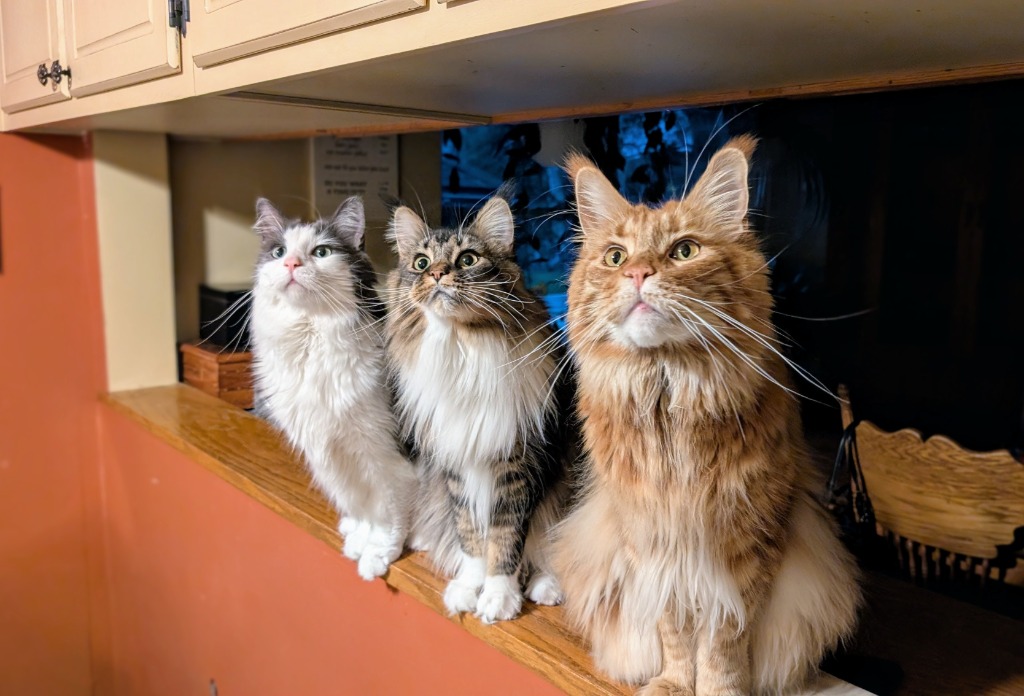
• Offline Image: Displays the 3-cat family photo whenever stream is offline.
• 5-Minute Refresh: Background auto-update loop powered by Android AlarmManager & WorkManager.
• Meow Sound Effects: Plays a cute cat meow noise whenever you tap Refresh or click the picture to open YouTube!
• Instant Tap: Tapping the 2x2 widget opens the YouTube stream directly in the YouTube app.
Scan with phone camera to download:

How to add to your Android Desktop
- Install the APK: Download and tap the APK to install (allow install from browser if prompted).
- Long-press home screen: Tap and hold any blank area on your Android desktop/launcher.
- Select Widgets: Scroll to Cat Cam and locate the 2x2 widget.
- Drag & Drop: Place it onto your desktop. Tap anytime to open YouTube!